


Instalar la aplicación de la parroquia
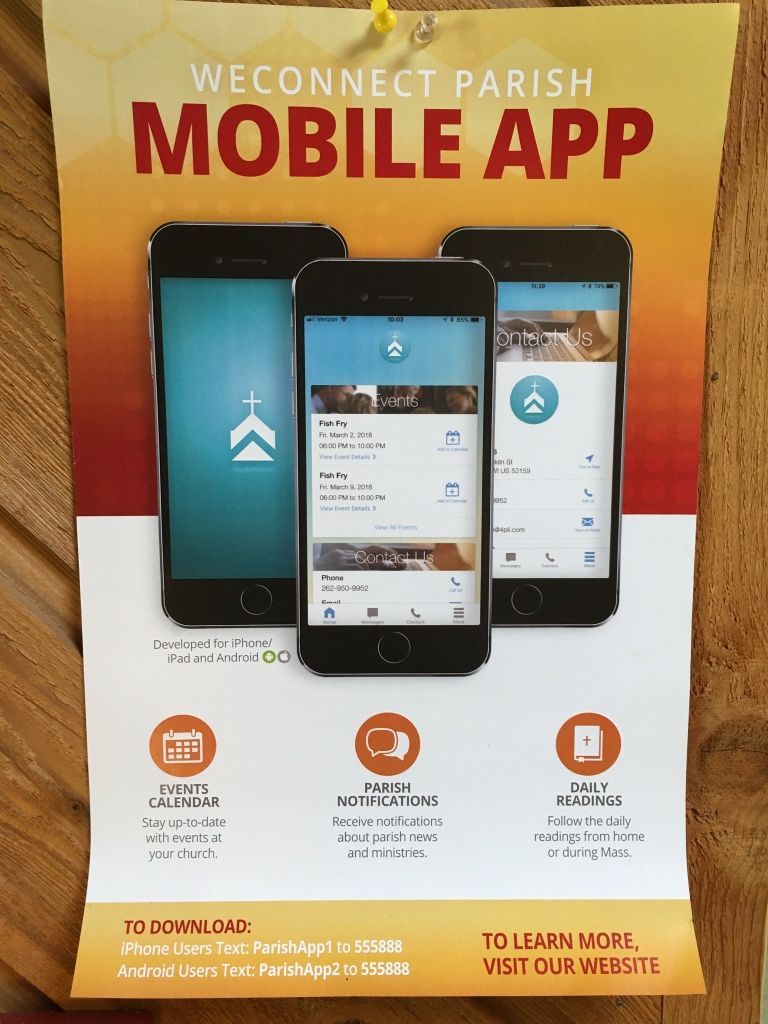 Here's how to install our Parish App:
iPhone/iPad: Click
this link
to open the App Store. Tap the download button (cloud with a down arrow). When that's finished, tap the "OPEN" button. You'll be prompted:
- "Allow "Parish App" to use your location": Tap "Don't Allow". (Tapping "Allow Once" will slightly ease setup.)
- ""Parish App" Would Like to Send You Notifications": Tap "Allow".
Then follow the directions below.
Android: Click
this link
to open the Play Store. Tap the "Install" button. When that's finished, tap the "Open" button. You'll be asked:
- "Allow
Parish App
to access this device's location?": Tap "DENY". (Tapping "ALLOW" will slightly ease setup.)
Then follow the directions below.
If you see "CHURCH OF SAINT ANSELM" listed, tap it. If you don't see it, search for "Tinton Falls". Then tap "Select Parish".
You'll be asked, "Are you ready to set CHURCH OF SAINT ANSELM as your home parish?" Tap "Set My Parish".
You're done! You'll be notified of announcements from the church. You can find previous announcements under "Messages".
(Our old app was called "St Anselm". If you have it, please delete it.)